Product tour
Physician On-Call Scheduling: click through the product
7 real screens, in the order a person meets them. Screens captured from build 0c9c24b71d of Moraph Apps on 24 November 2026, in a workspace with sample data. Every organization, name and figure shown is a placeholder, not client data.
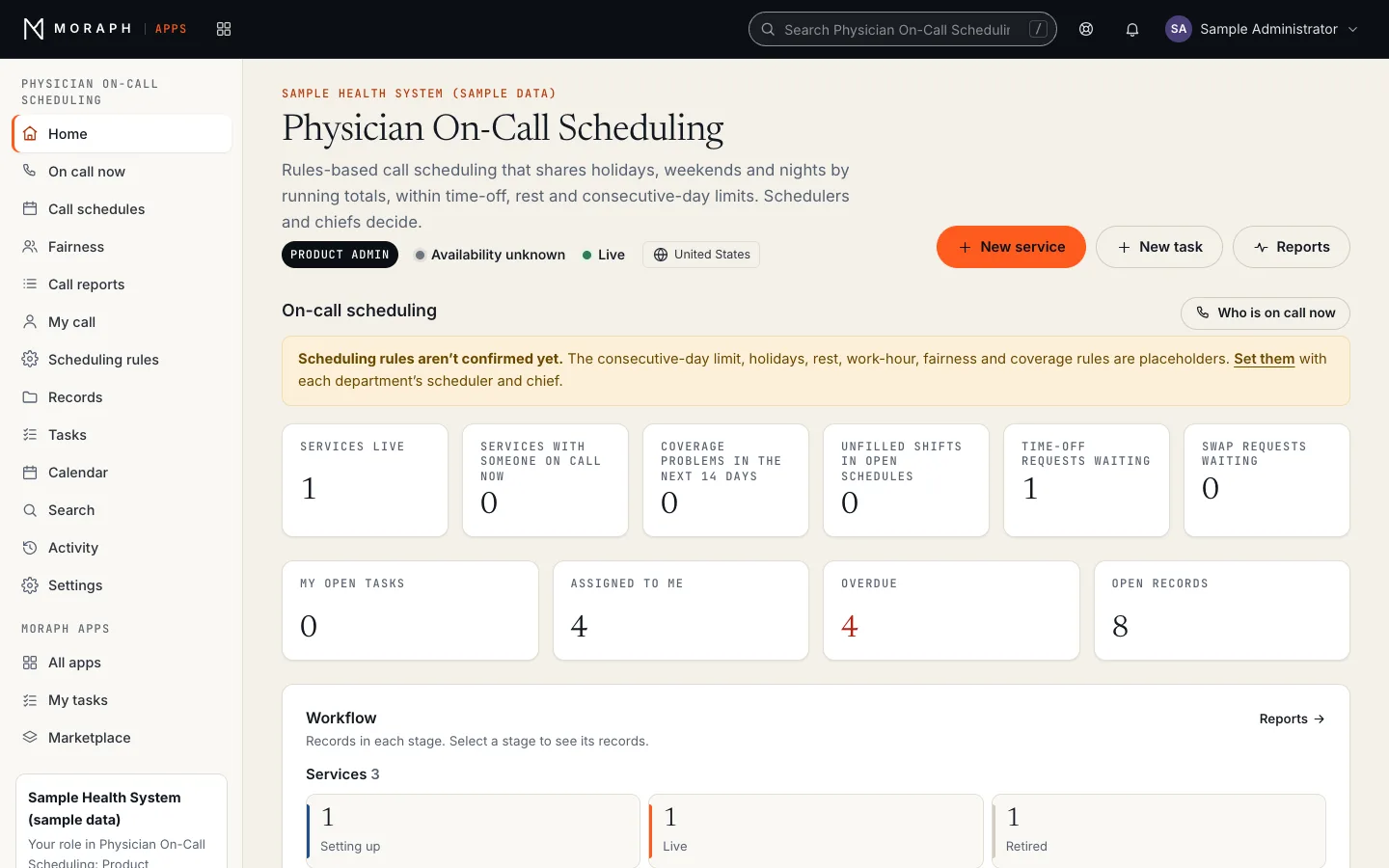
1 Product home
The product home: counts of work, the product’s workflow stages and its own panel, with the product’s pages in the left menu.
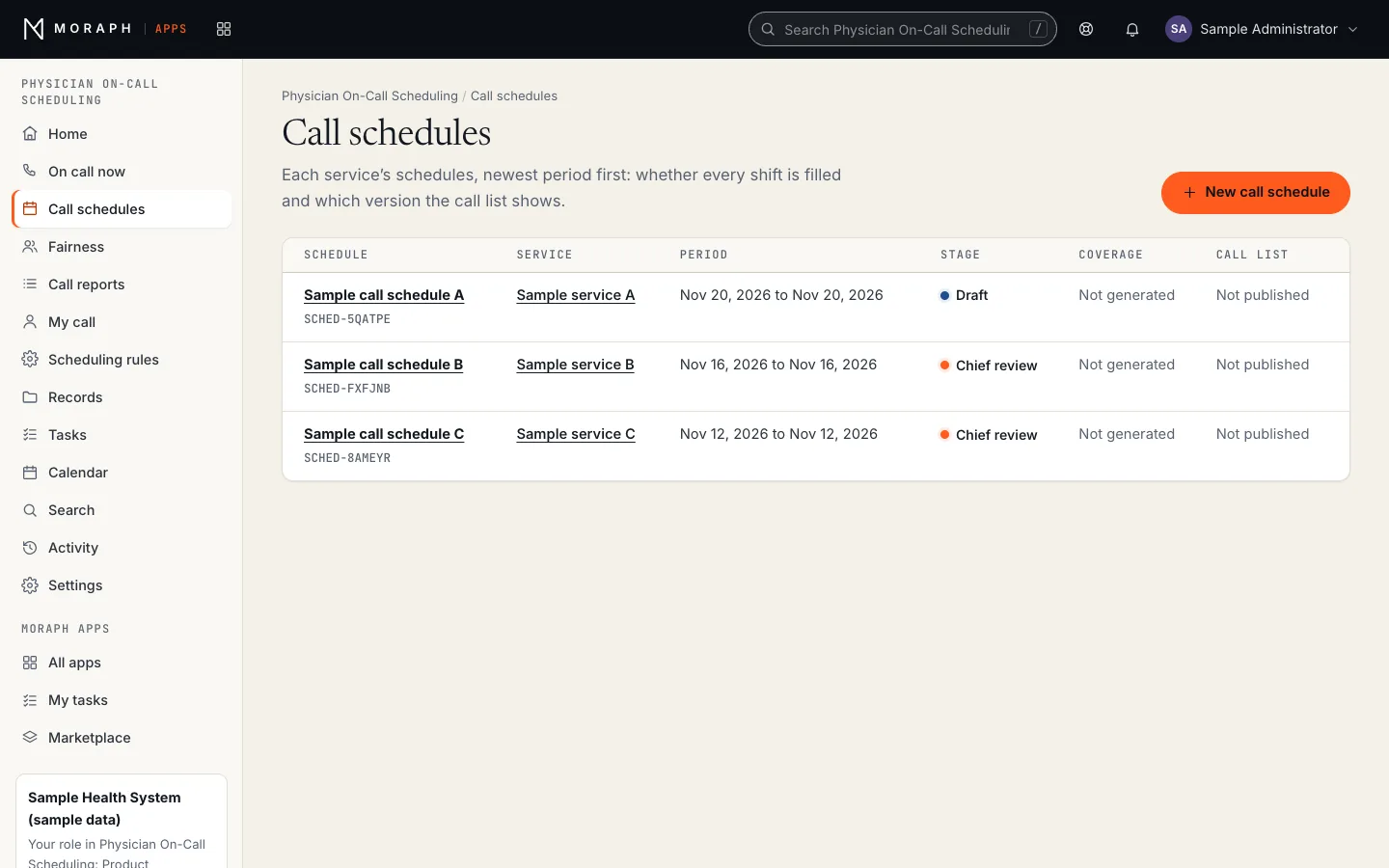
2 Schedules
“Each service’s schedules, newest period first: whether every shift is filled and which version the call list shows.” The screen’s own words.
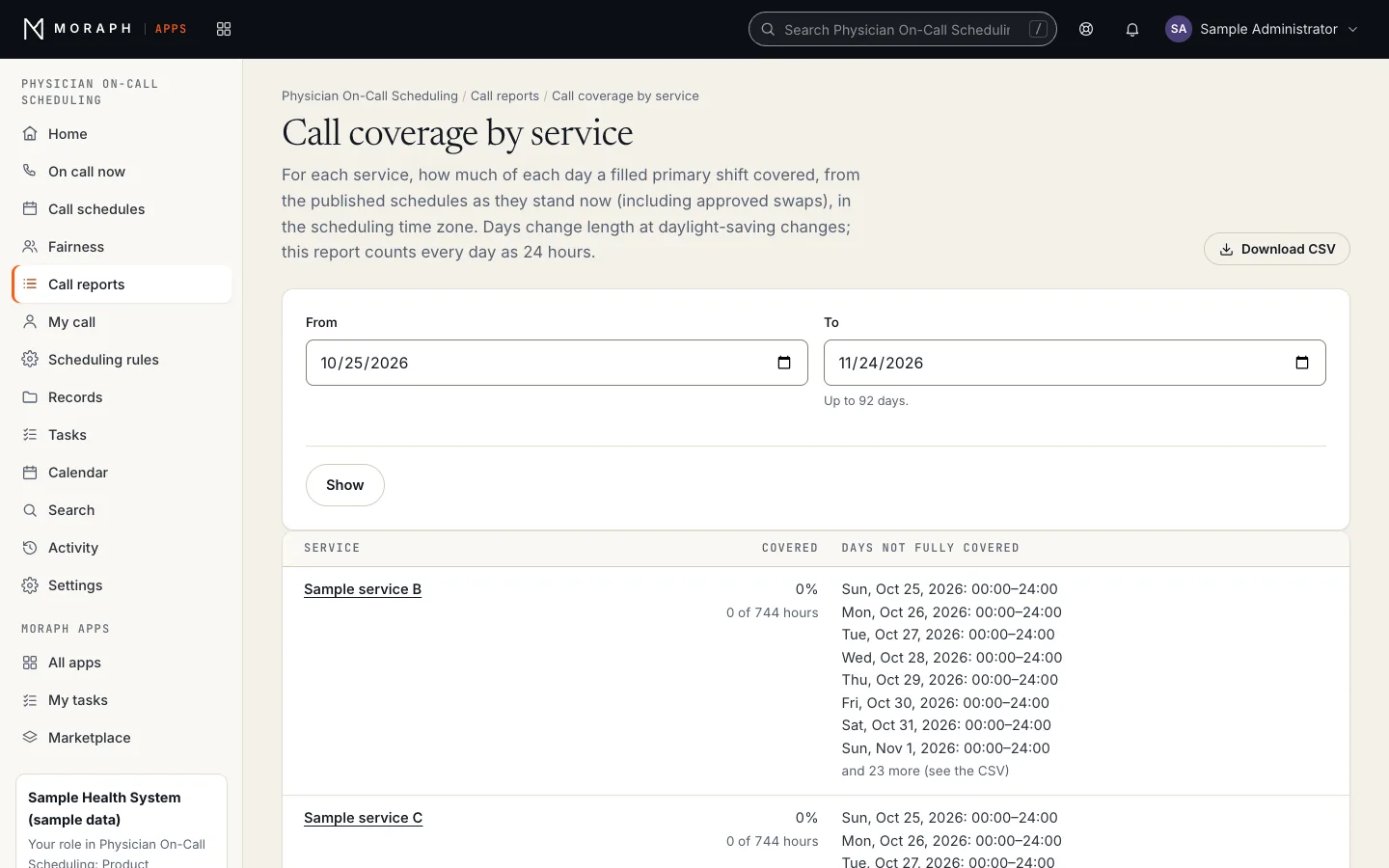
3 Coverage
“For each service, how much of each day a filled primary shift covered, from the published schedules as they stand now (including approved swaps), in the scheduling time zone. Days change length at daylight-saving changes” The screen’s own words.
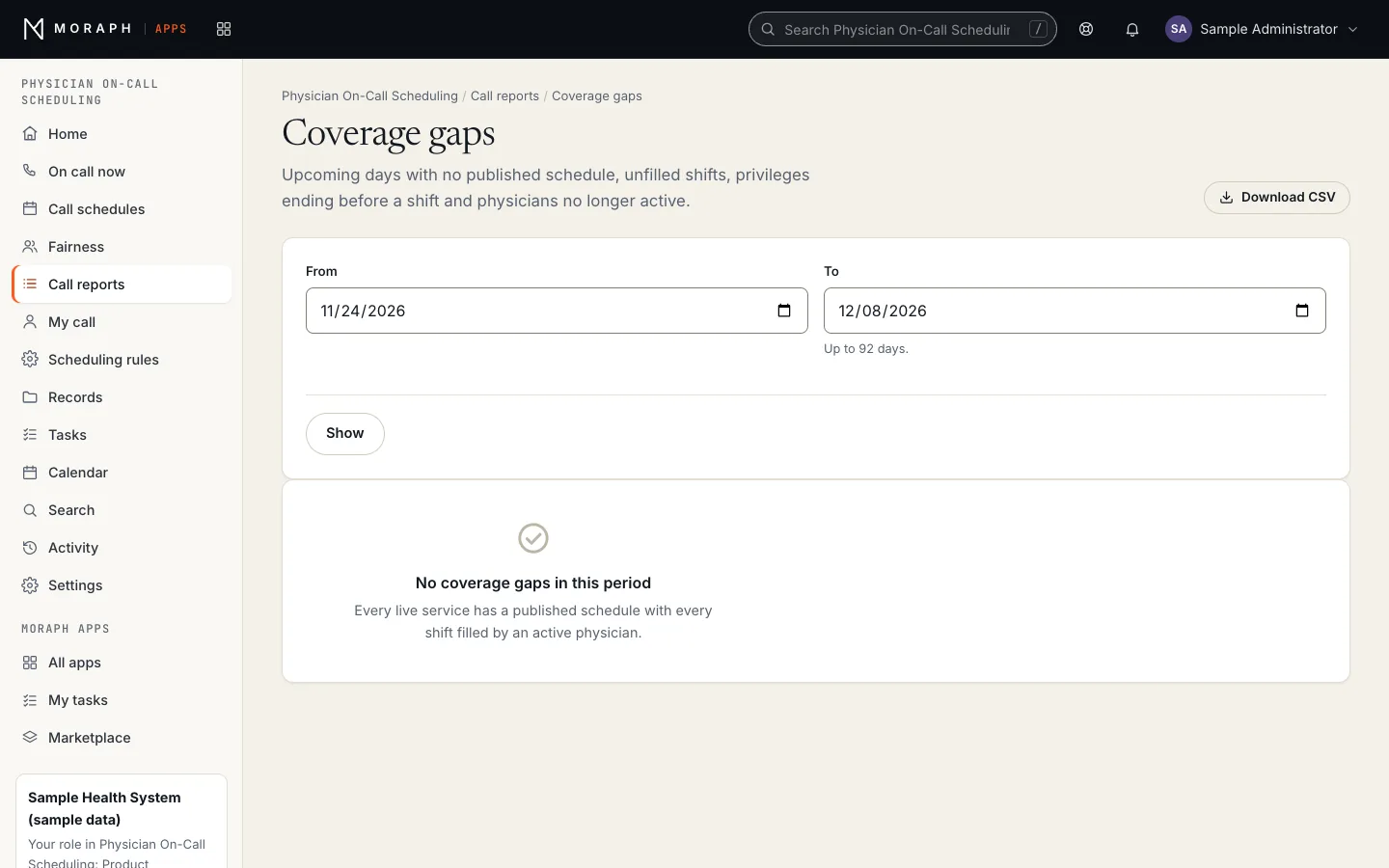
4 Gaps
“Upcoming days with no published schedule, unfilled shifts, privileges ending before a shift and physicians no longer active.” The screen’s own words.
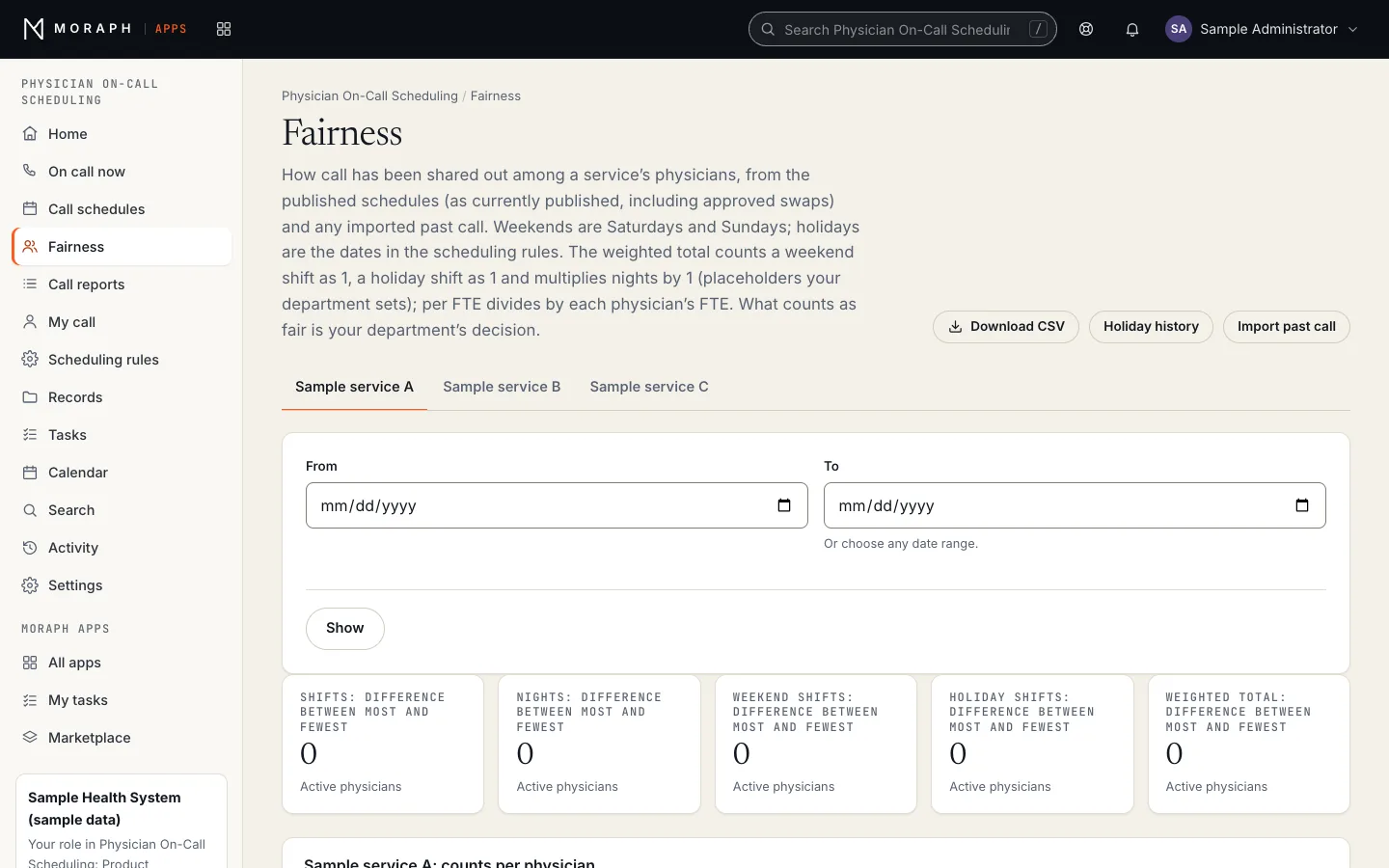
5 Fairness
“How call has been shared out among a service’s physicians, from the published schedules (as currently published, including approved swaps) and any imported past call. Weekends are Saturdays and Sundays; holidays are the ” The screen’s own words.
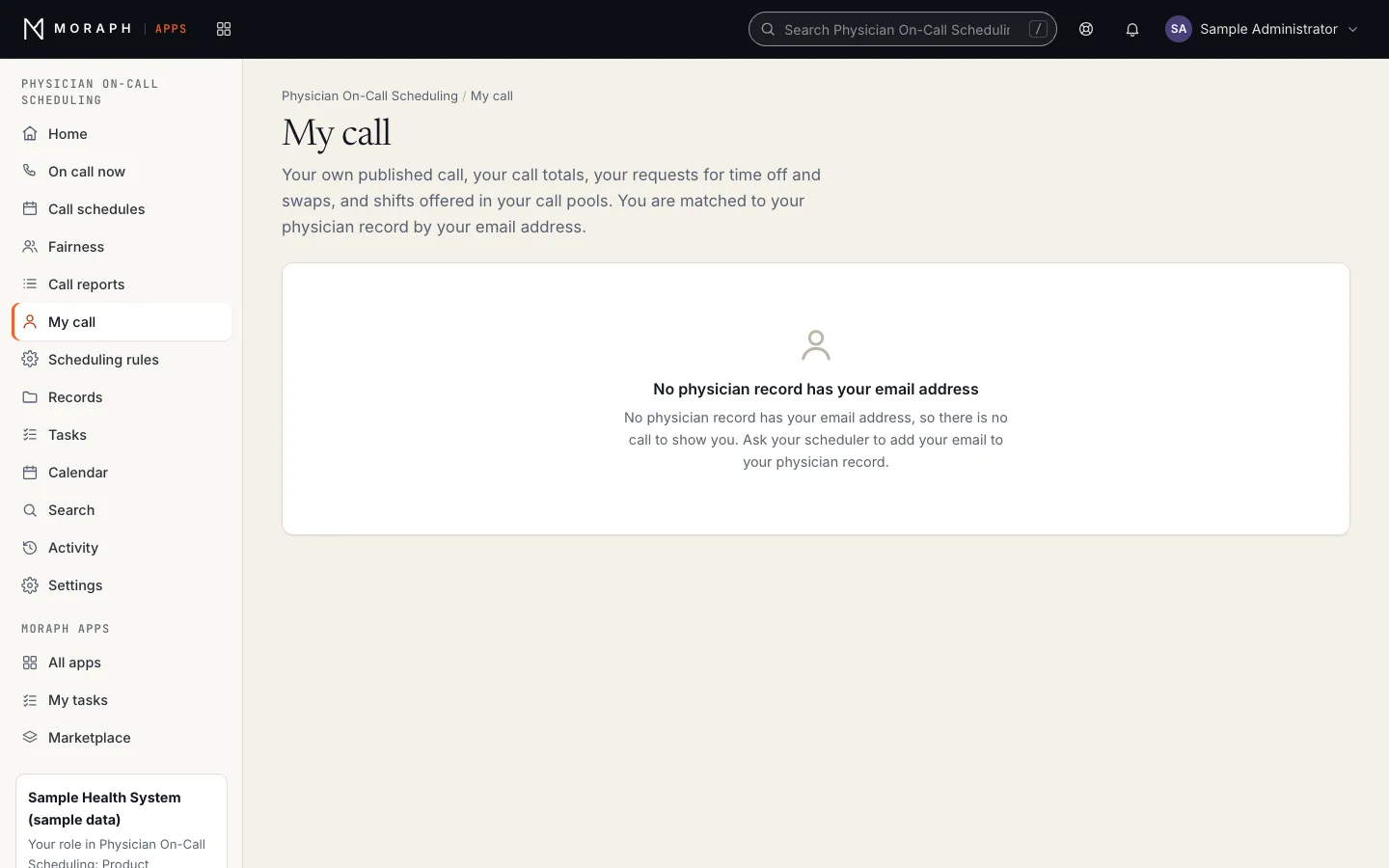
6 My shifts
“Your own published call, your call totals, your requests for time off and swaps, and shifts offered in your call pools. You are matched to your physician record by your email address.” The screen’s own words.
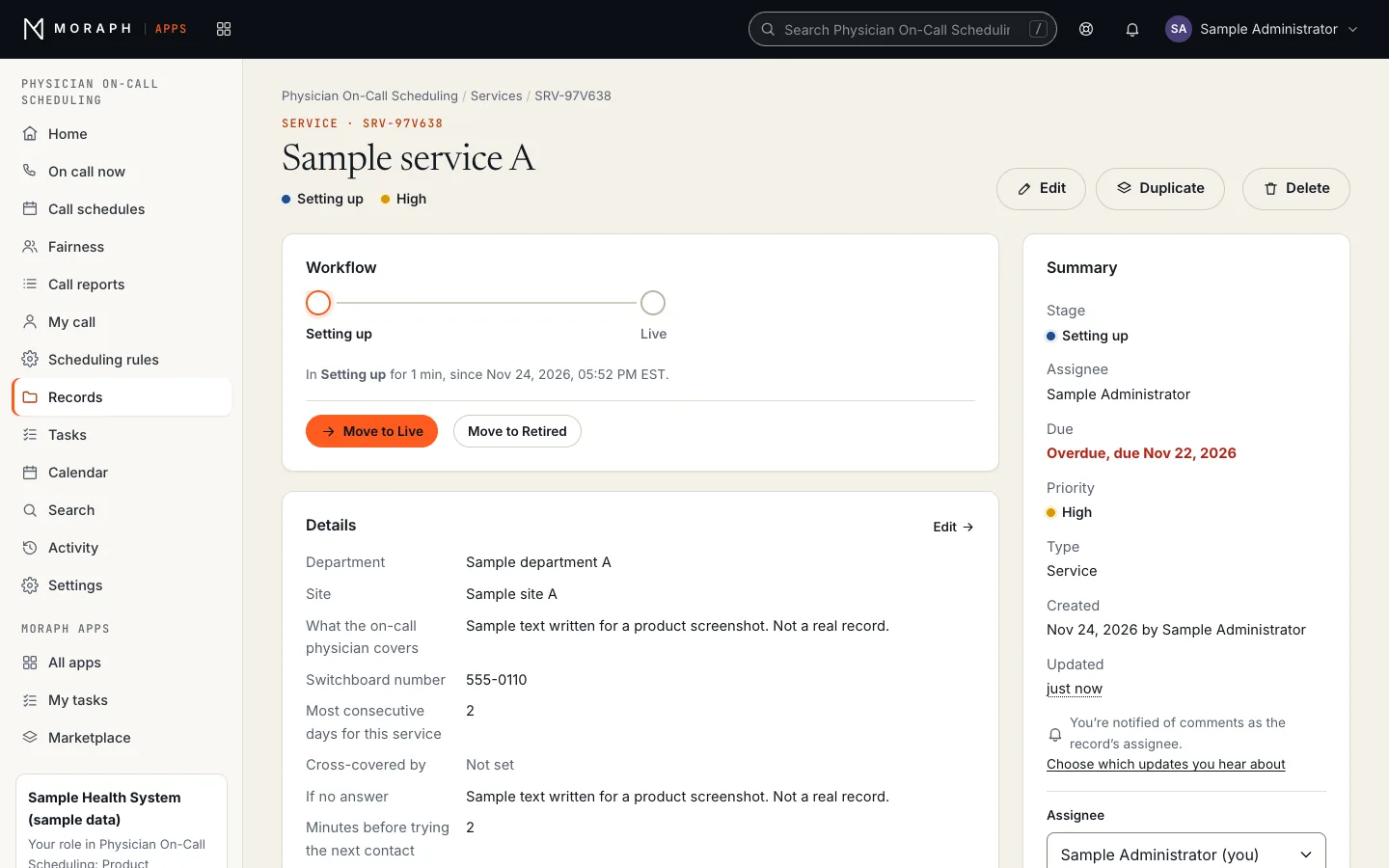
7 A service record
One record opened from the register, with its details, its place in the workflow, its tasks and its history.
Screens captured from build 0c9c24b71d of Moraph Apps on 24 November 2026, in a workspace with sample data. Every organization, name and figure shown is a placeholder, not client data. All product tours